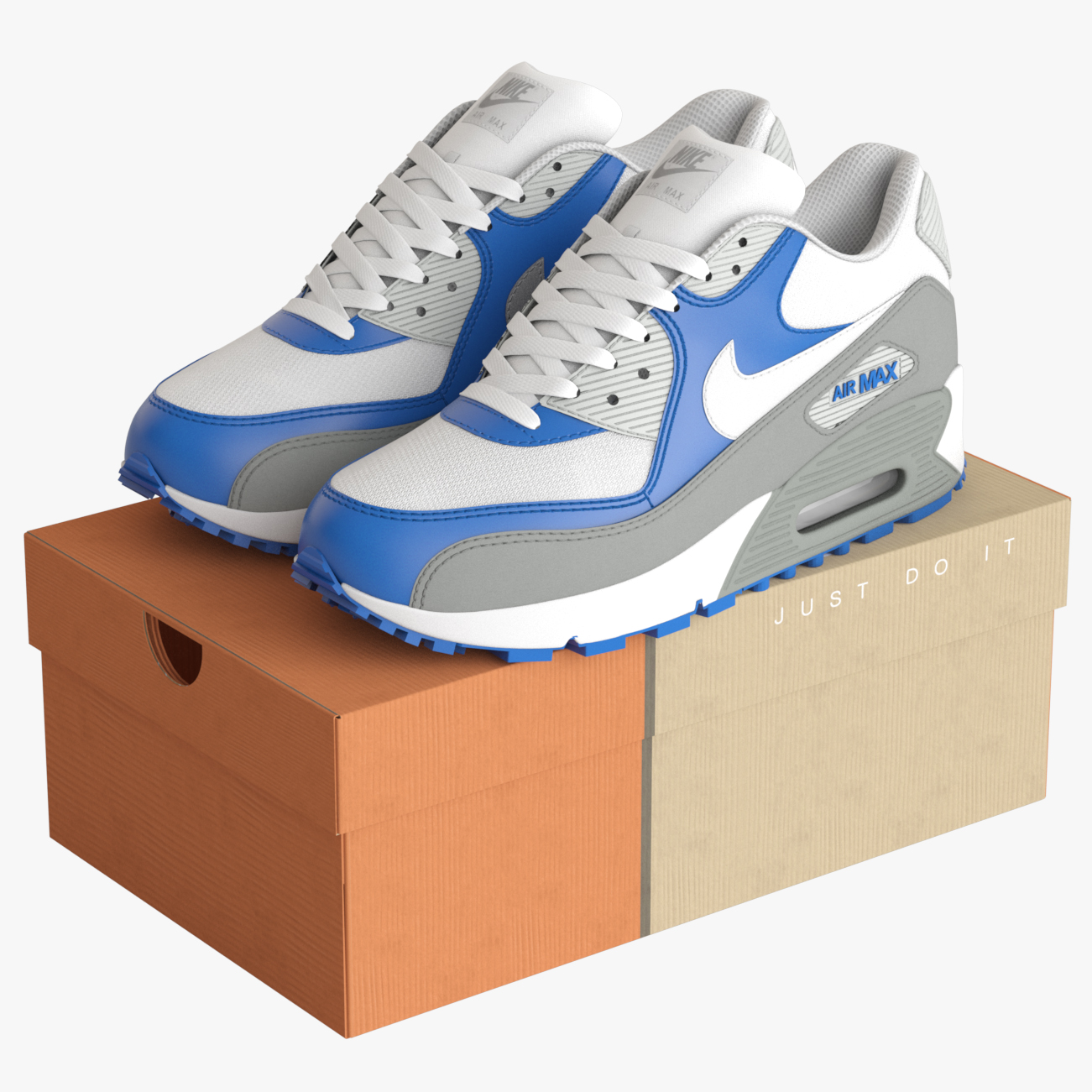
When you use old V-Ray 1.5 version model file with newer version,
you could see somewhat mapping problem like this.

To fix this, there is two way.
1. Change the gamma setting of Normal map file.

a) Click the material that has normal bump
b) Click the 'Material/Map Navigator' icon
c) Select the Normal textures slots

d) Click the Bitmap path
e) Change the Gamma setting to 'Override 1.0'

f) If you launch 'Asset Tracking' tool,
you can see the new paths that you changed gamma setting.
That's All.
but this method is very annoying to change whole scene.
2. Change the texture's Gamma.

This way is not so good, but it's a quick way to fix the problem.
a) Just open the Normal bitmap file on Photoshop.
b) On Menu, "Image > Adjustment > Exposure "
c) Changed the Gamma Correction setting to 2.2
d) And save the bitmap.
That's All.
I will update some of my old models for V-Ray 2.4 (I have no 3.0 yet).
This method will helpful until then.